

-

Does Character Creator 4 support importing character models and editing hair on them?
Does Character Creator 4 support importing character models and editing hair on them? 2. Choose “Character”. 2. Choose “Humanroid”. 3.After importing the model, click on ‘Characterization’ in the Modify panel.…
-
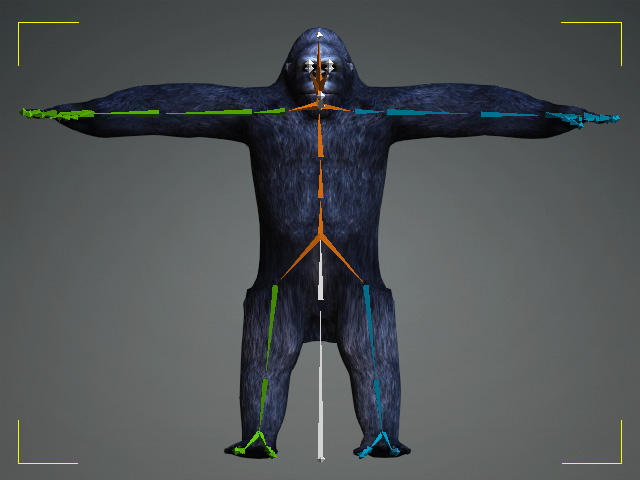
Known Standard Profiles
Known Standard Profiles IClone 8 and Character Creator 4 have a lot of known standard profiles for retargeting known standard motions. So users just need to drag and drop the…
TAG
actormixer AI AI Generation askfunction Cartoon Animator cc5 Character Creator character creator 5 content content manager creation Custom Character iClone Idea Import Particle Performance tutorial
nEW POSTS
- Physics System

- Preventing Characters from Passing Through Grass, Leaves, and Rocks in iClone 8

- Revolutionizing Digital Simulations: A Deep Dive into iClone 8.7 Motion Planning
- FashionGen – AI Empowered for generating clothes textures and Logo

- Generating motion with AI Video Mocap in iClone

- Managing content with Smart Content Manager

- Quick creating every characters | Character Creator 5 AvatorMixer
- Creating CC character with generative AI tool
 Reallusion Tips