

-

In-place motion vs Root motion
In-place motion vs Root motion If you are using the motions from default free resource motion pack, most of them are in-place motion, it means that they have no forward… (More…)
-
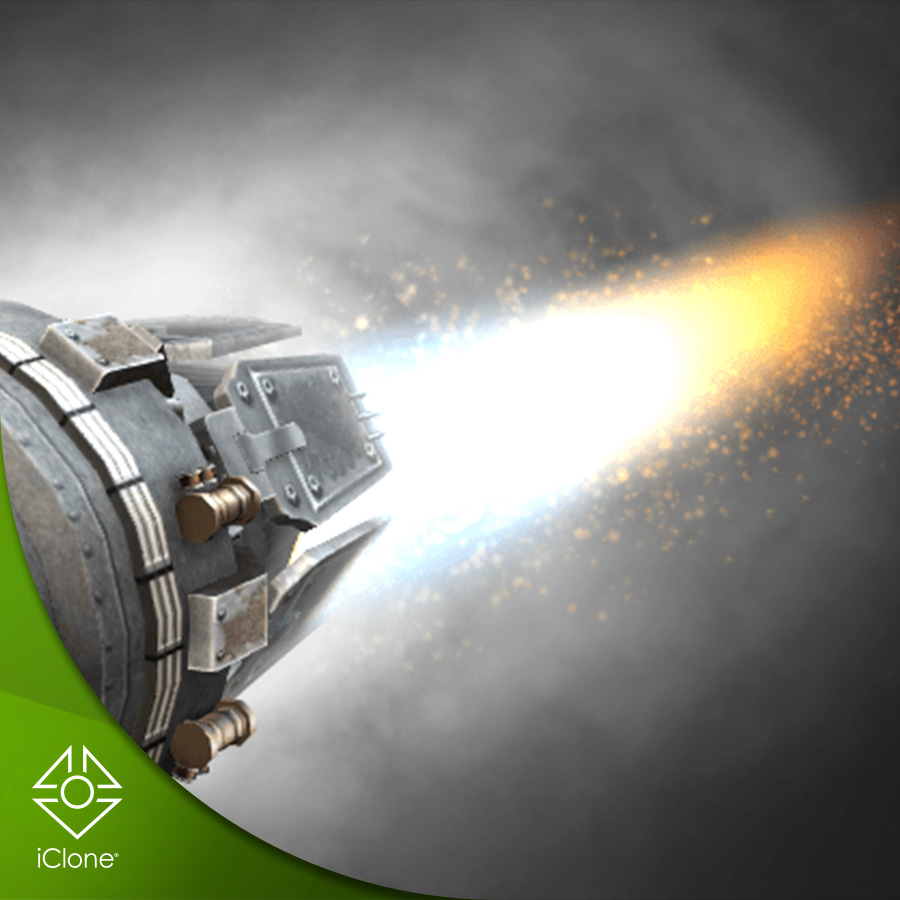
Partcle Adjustment
Particle Adjustment The topic is about adjusting particles in iClone 7 & 8. The particle mentioned for instance in the article is: https://marketplace.reallusion.com/d032f-jet-nozzel 1. Please select the particle that you… (More…)
-
Guideline for beginners
Guideline for beginners There are some tips while using iClone, Character Creator, these following tips can help with increasing productivity, and know about more the software quickly. 1. Hotkey These… (More…)
-

Dynamic Character Designer Quick Guide
Here’s a guide design for the Dynamic Character Designer Pack. How to find the “Dynamic Character Designer” pack. Why can’t I find hair and face components? If you’re confused about… (More…)
-

Creating Anime-style Lighting in iC8
1 ) Import a character model. Setting Up Toon Shader 2) In the “Visual” panel, enable “Toon Shader”. After enabling the Toon Shader, you’ll get this result: Adding Atomosphere Click… (More…)
-

How to make the actor’s hand placing on the table?(With tutorial Video)
Sometimes when we want to create a character, who leisurely places their hands on the table, only to realize that the character’s hands are connected to the character and cannot… (More…)
-
Some ideas for getting custom motions
Some ideas for getting custom motions Reallusion has three content stores, with two being run officially (Content Store & Actorcore), and one being the Marketplace. These stores offer a wide variety… (More…)
-

How to Take Headshot Photos for the Best Results?
Method 1: Increase the proportion of the face in the original image. As shown in the example image below, the neck and the areas with white space are not necessarily… (More…)
-
Project freezing & crashing
Project freezing & crashing 1. Preview render setting: With iClone and Character Creator, in the upper toolbar, you can select the Quick Mode preview quality to keep the performance. High… (More…)
-
How to Maintain Application Performance?
How to Maintain Application Performance? 3. Next, perform a disk scan and system file check If you’ve encountered many Windows error reports in the system files, going through these two… (More…)
TAG
actormixer AI AI Generation askfunction Cartoon Animator cc5 Character Creator character creator 5 content content manager creation Custom Character iClone Idea Import Particle Performance tutorial
nEW POSTS
- Physics System

- Preventing Characters from Passing Through Grass, Leaves, and Rocks in iClone 8

- Revolutionizing Digital Simulations: A Deep Dive into iClone 8.7 Motion Planning
- FashionGen – AI Empowered for generating clothes textures and Logo

- Generating motion with AI Video Mocap in iClone

- Managing content with Smart Content Manager

- Quick creating every characters | Character Creator 5 AvatorMixer
- Creating CC character with generative AI tool
 Reallusion Tips