

-

Does Character Creator 4 support importing character models and editing hair on them?
Does Character Creator 4 support importing character models and editing hair on them? 2. Choose “Character”. 2. Choose “Humanroid”. 3.After importing the model, click on ‘Characterization’ in the Modify panel.… (More…)
-
linking CTA5 to Affinity Designer V.2
linking CTA5 to Affinity Designer V.2 Please confirm whether the launch executable file is located in the C:\Program Files.Check the below instructions : 1. On the Affinity download page, select the… (More…)
-
Animating on Surfaces in iClone 8 Motion Director
Animating on Surfaces in iClone 8 Motion Director Some of users might encounter an issue, the character walks on a uneven surface with Motion Director, seems that the character will… (More…)
-
Which facial mocap plugin should I choose?
Which facial mocap plugin should I choose? If you are iPhone users, iPhone profile is easier to do the facial mocap, because Face ID is driven by infrared, it means… (More…)
-
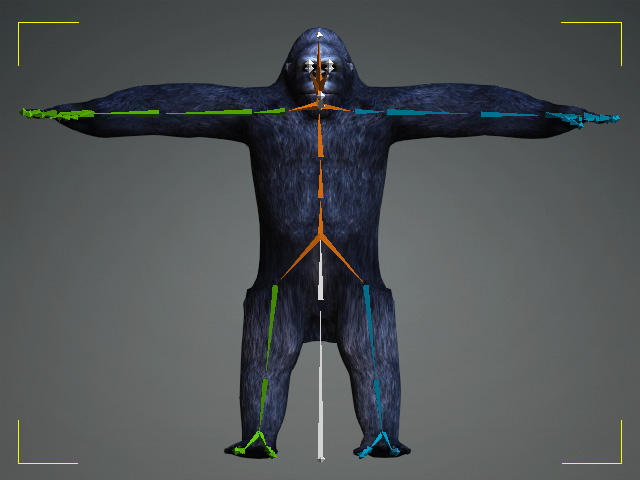
Known Standard Profiles
Known Standard Profiles IClone 8 and Character Creator 4 have a lot of known standard profiles for retargeting known standard motions. So users just need to drag and drop the… (More…)
-
Using iClone and AccuLips for Custom Animation and Text-to-Speech
Using iClone and AccuLips for Custom Animation and Text-to-Speech Character Creator 4 is for creating your custom characters, you may import your character and characterize it by the following tutorials:https://courses.reallusion.com/home/character-creator/characterize?v=character-creator-4-tutorial-create-or-modify-specific-expression-or-viseme-with-obj-filehttps://courses.reallusion.com/home/character-creator/characterize?v=character-creator-4-tutorial-batch-create-expressions-and-visemes-for-humanoid-character-with-fbx-file… (More…)
-
Export animations from iClone 8 to Unreal Engine 5
Export animations from iClone 8 to Unreal Engine 5 There are two ways to export animation from iClone to UE5. 1. Export FBX First, please download and install Unreal Auto… (More…)
-
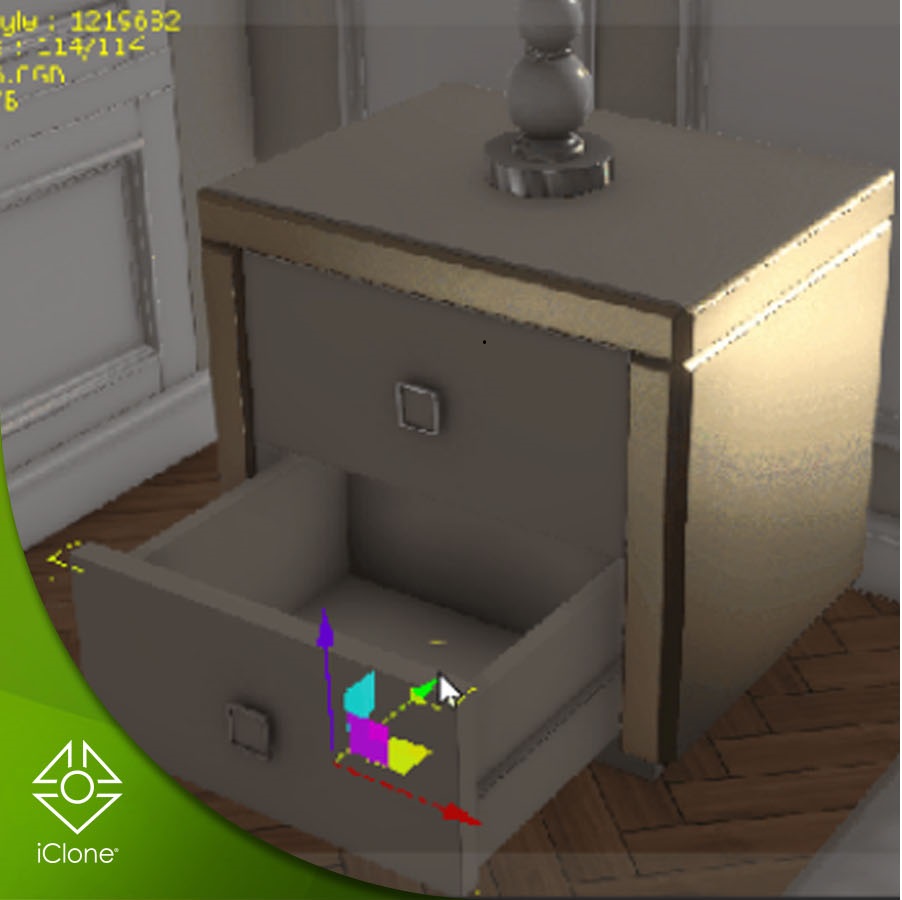
Prop Animation
Prop animation In the following tutorial, this package will be used as an example. https://www.reallusion.com/contentstore/pack/hq-modern-classic-interior We’re going to animate opening door and drawer, here below is the breakdown: 1.First, select… (More…)
-

make a custom character with Affinity Designer2 -Head creating and export
Replacing hair The back hair sprite follows the same method as the front hair. Face, ears, front hair, back hair, eyebrows, and mouth all follow the same procedure. Replacing eyes… (More…)
-
create a custom character with Affinity Designer2 – template download& preparation
In this article, you will learn how to make a custom character’s body with Affinity Designer2 and CTA5. Preparation First, please download the human template through : https://www.reallusion.com/cartoon-animator/custom-2d-character.html Import the… (More…)
TAG
actormixer AI AI Generation askfunction Cartoon Animator cc5 Character Creator character creator 5 content content manager creation Custom Character iClone Idea Import Particle Performance tutorial
nEW POSTS
- Physics System

- Preventing Characters from Passing Through Grass, Leaves, and Rocks in iClone 8

- Revolutionizing Digital Simulations: A Deep Dive into iClone 8.7 Motion Planning
- FashionGen – AI Empowered for generating clothes textures and Logo

- Generating motion with AI Video Mocap in iClone

- Managing content with Smart Content Manager

- Quick creating every characters | Character Creator 5 AvatorMixer
- Creating CC character with generative AI tool
 Reallusion Tips